
Interactive Forms: Automating Recurring Documents
Skip to content
Skip to content

Combine data collection with document signing

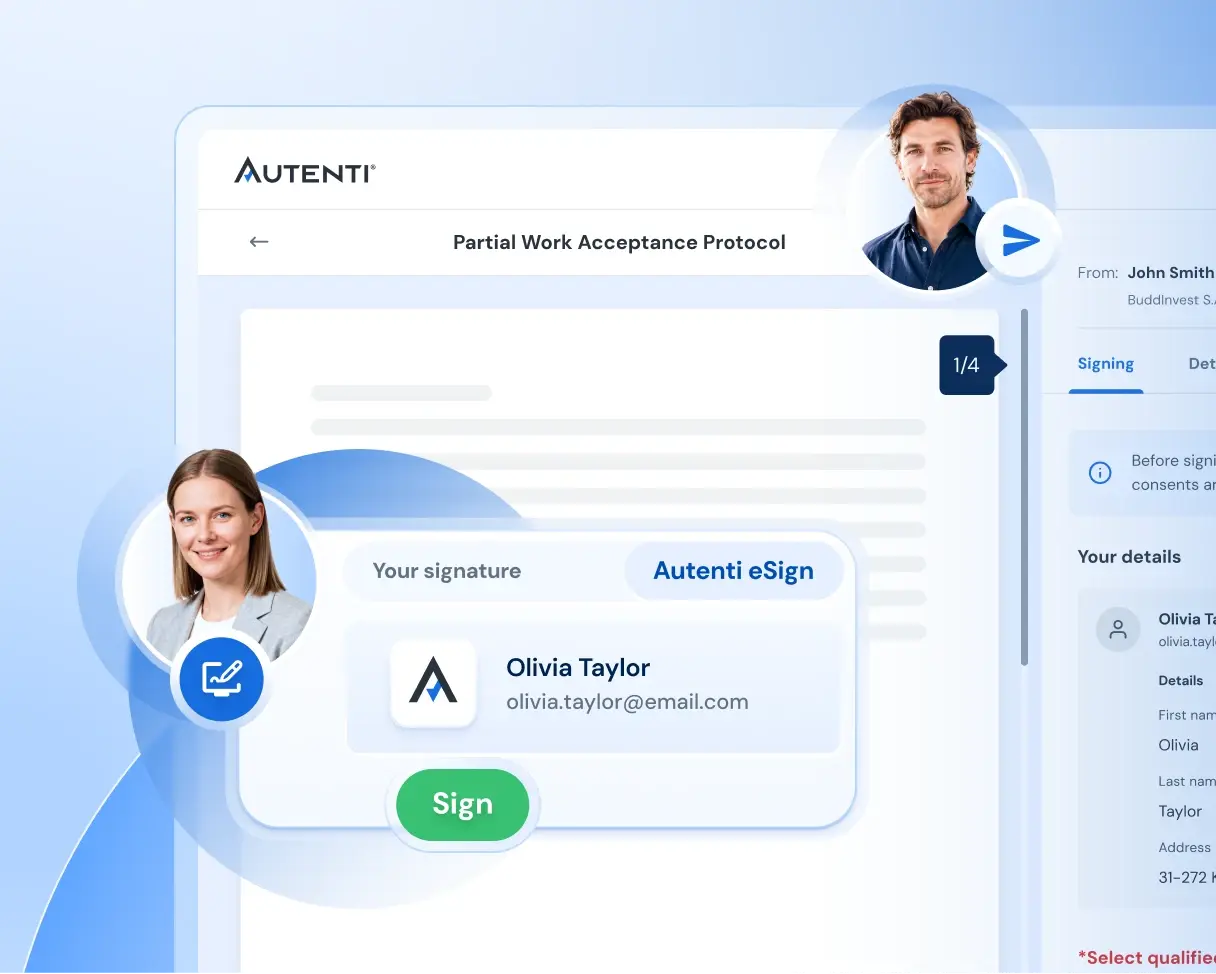
The recipient fills out the form, the data is automatically entered into the document, and you can review the completed document and send it for signature.

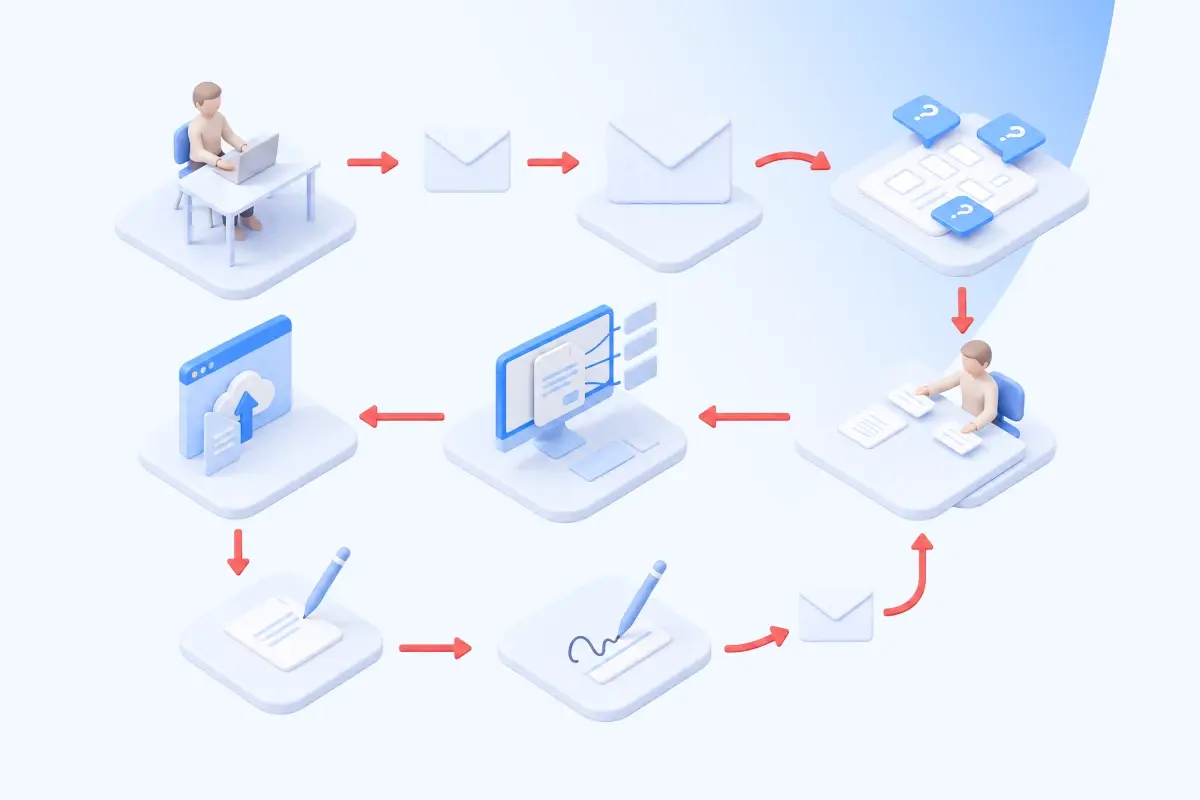
How many steps does it take to prepare a single contract today?

Manual process


  • Message requesting information

  • Missing information

  • Next message

  • Manual Data Copying

  • Creating a Document

  • Uploading a document to the platform

  • Delivery upon signature

eSign_Interactive_Form_Section_Manual_Process

The Autenti Trial


  • Submit the form to be filled out

  • Complete data and an automatically filled-out document

  • Signature

eSign_Interactive_Form_Section_Process-with-Autenti
how it works

A form as a data source for a document

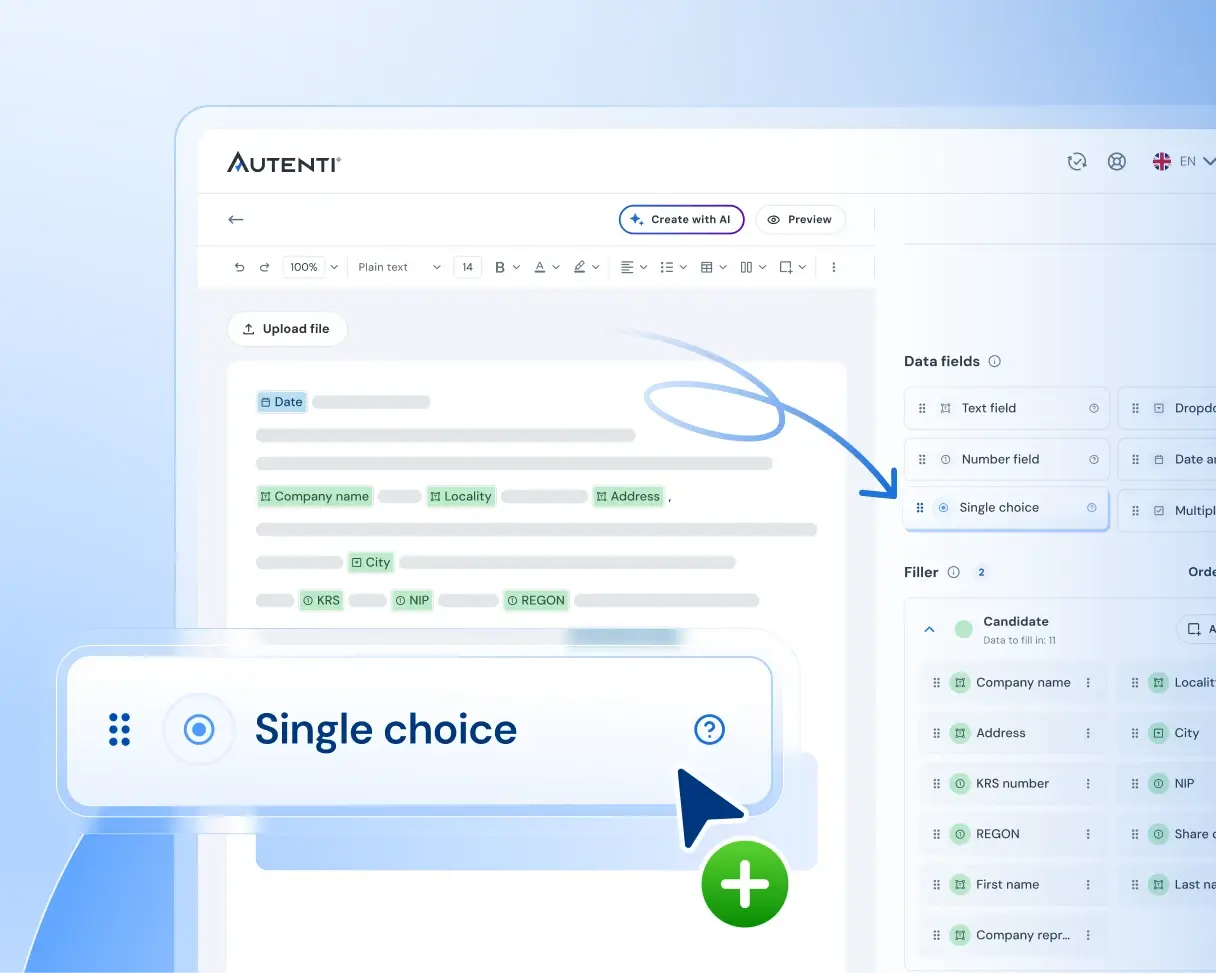
Form fields are mapped directly to the document template—the process occurs without manual data entry, with an optional verification step before sending the document for signature.

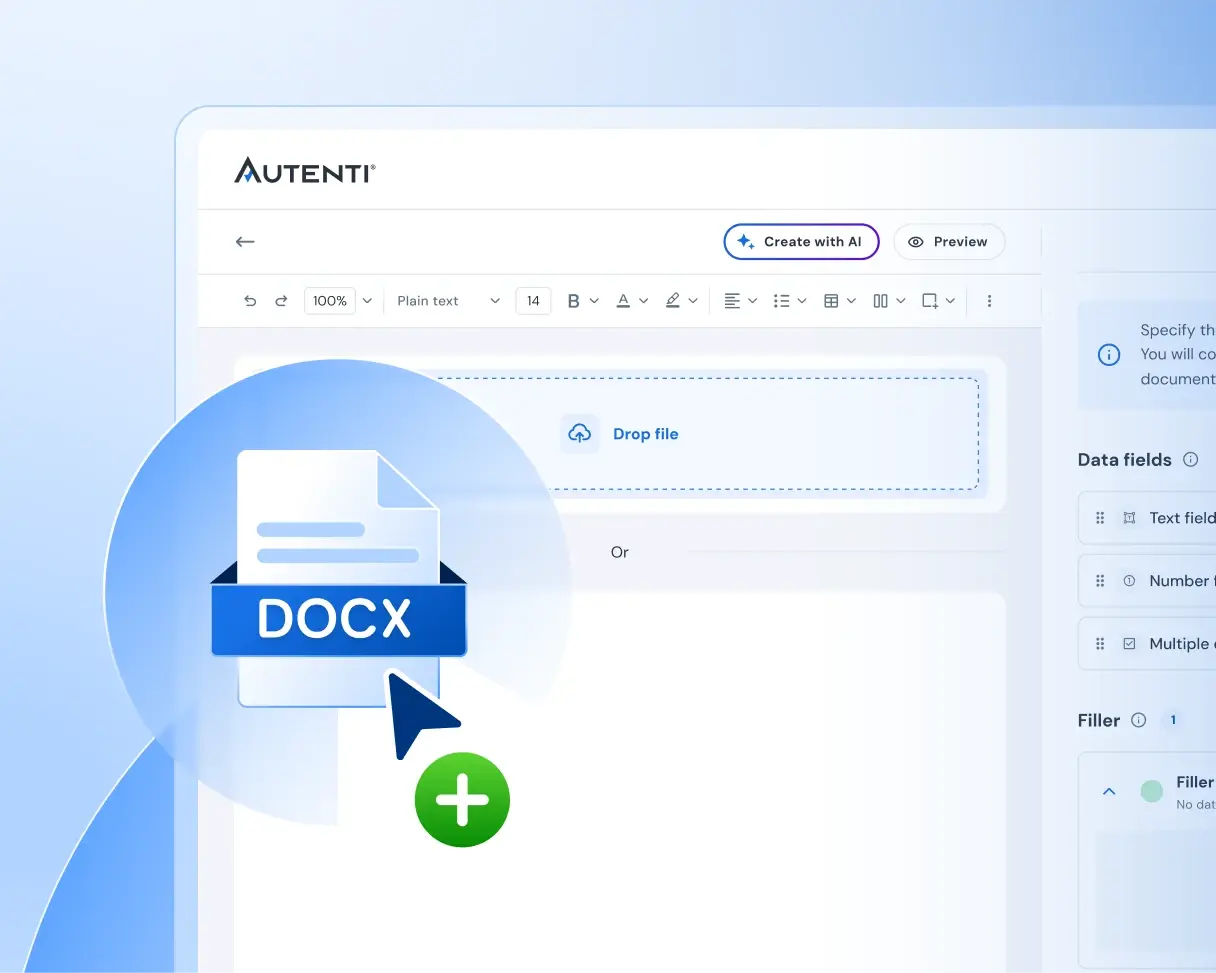
  • Prepare a document or template

    Upload a file or use a ready-made template.

One form, any type of contract

Whether it's B2B contracts, B2C consents, or HR documents—collect data, generate a document, and sign it all in a single process.

B2B Contracts

Business Documentation

- Sales Agreements
- NDAs
- B2B framework cooperation agreements

eSign_Interactive_Form_Section_B2B_Contracts
B2C Contracts

Consumer Documentation

- Application forms
- Service Agreements
- Consents and declarations

eSign_Interactive_Form_Section_B2C_Agreements
HR Agreements

Employee Records

- Personal questionnaires
- Employment contracts
- GDPR consents

eSign_Interactive_Form_Section_HR_Agreements (1)
Key Benefits

One process instead of many 
disparate tools

Forms, templates, and electronic signatures all work within a single environment—this eliminates the need to manually re-enter data, send emails to request missing information, and correct errors resulting from manual work.

Less manual labor

The recipient enters the data themselves; the system generates the document and then forwards it for signature in accordance with the defined process. This eliminates most of the intermediate steps between data collection and document dispatch.

[EN] eSign_Formularz-interaktywny_Section_Mniej-recznej-pracy

No More Email Ping-Pong

A form provides structure—the recipient can see which fields they need to fill out, and required fields prevent them from submitting incomplete data. No more having to send missing information in follow-up messages.

[EN] eSign_Formularz-interaktywny_Section_Ping-pong

Data Standardization

Everyone communicates information in the same way. The data is complete, follows a predictable format, and employees do not have to interpret the content of free-form messages.

eSign_Interactive_Form_Section_Standardize

Fewer errors when transcribing data

Automatic data entry reduces the number of manual operations and, consequently, the number of potential errors.

eSign_Interactive_Form_Section_Fewer_Errors

Full control over the process

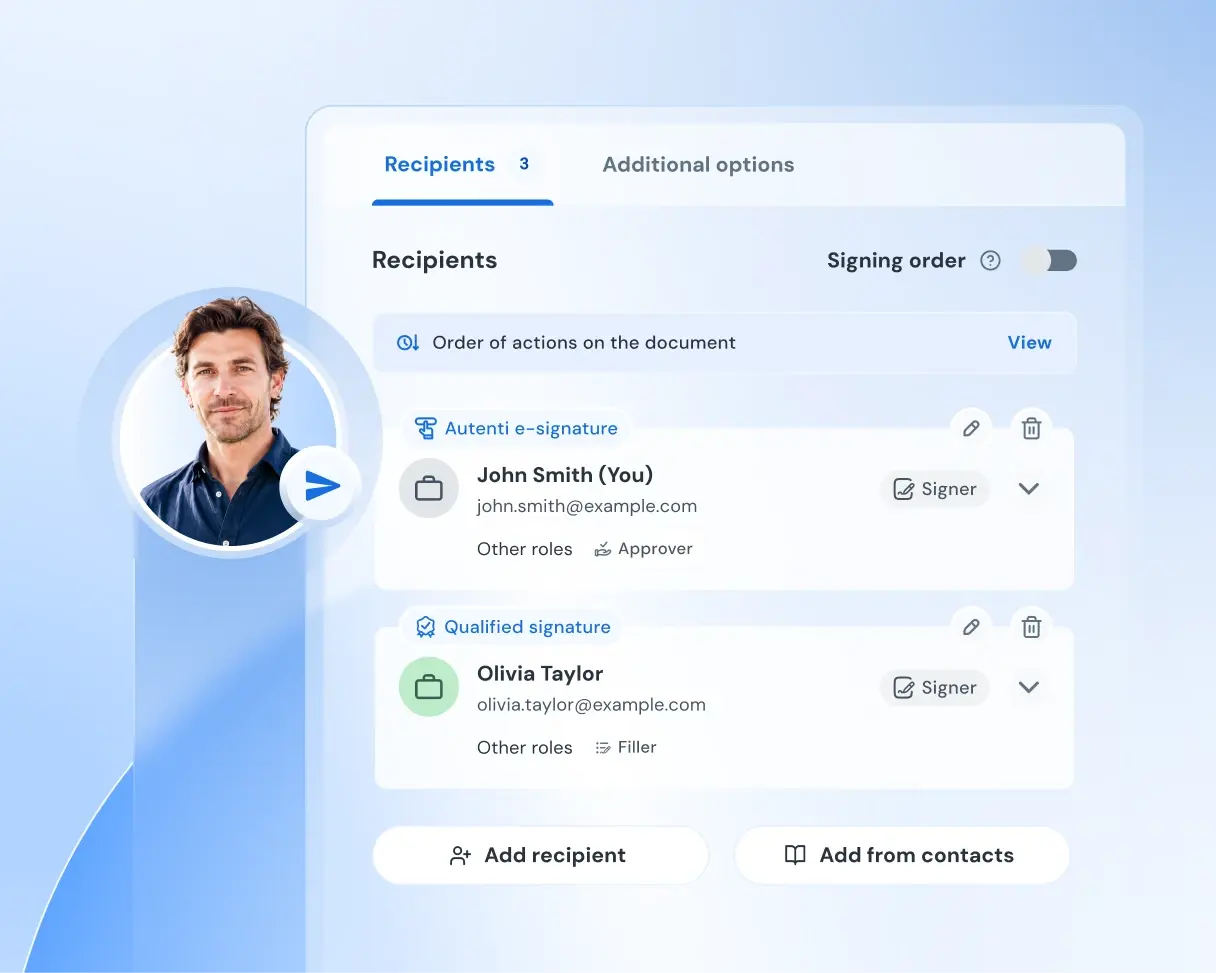
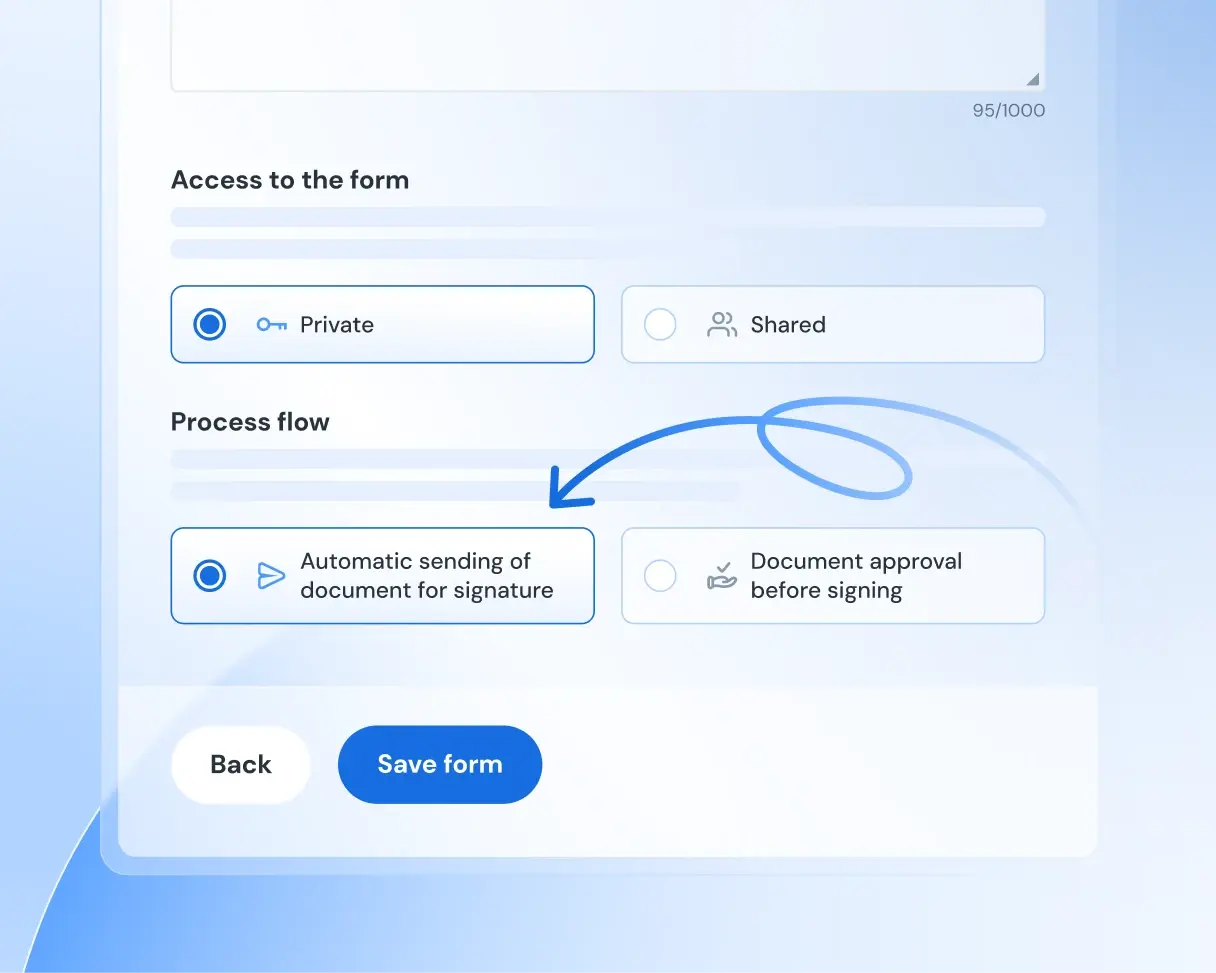
You delegate the task of filling out the data to the signer, but you retain control over the entire process. The sender defines the required fields, selects the data types, sets the sequence of actions, decides whether to send the form automatically, verifies the data, and monitors the status.

[EN] eSign_Formularz-interaktywny_Section_Pełna-kontrola


Fill out the form and schedule a free consultation

Let's talk about interactive forms in your organization.

alert ikona

eSign_Interactive_Form_Demo

Not sure if interactive forms are right for your business?

Please contact us, and we'll look into it together.

Schedule a meeting
eSign_Interactive_Form_Contact