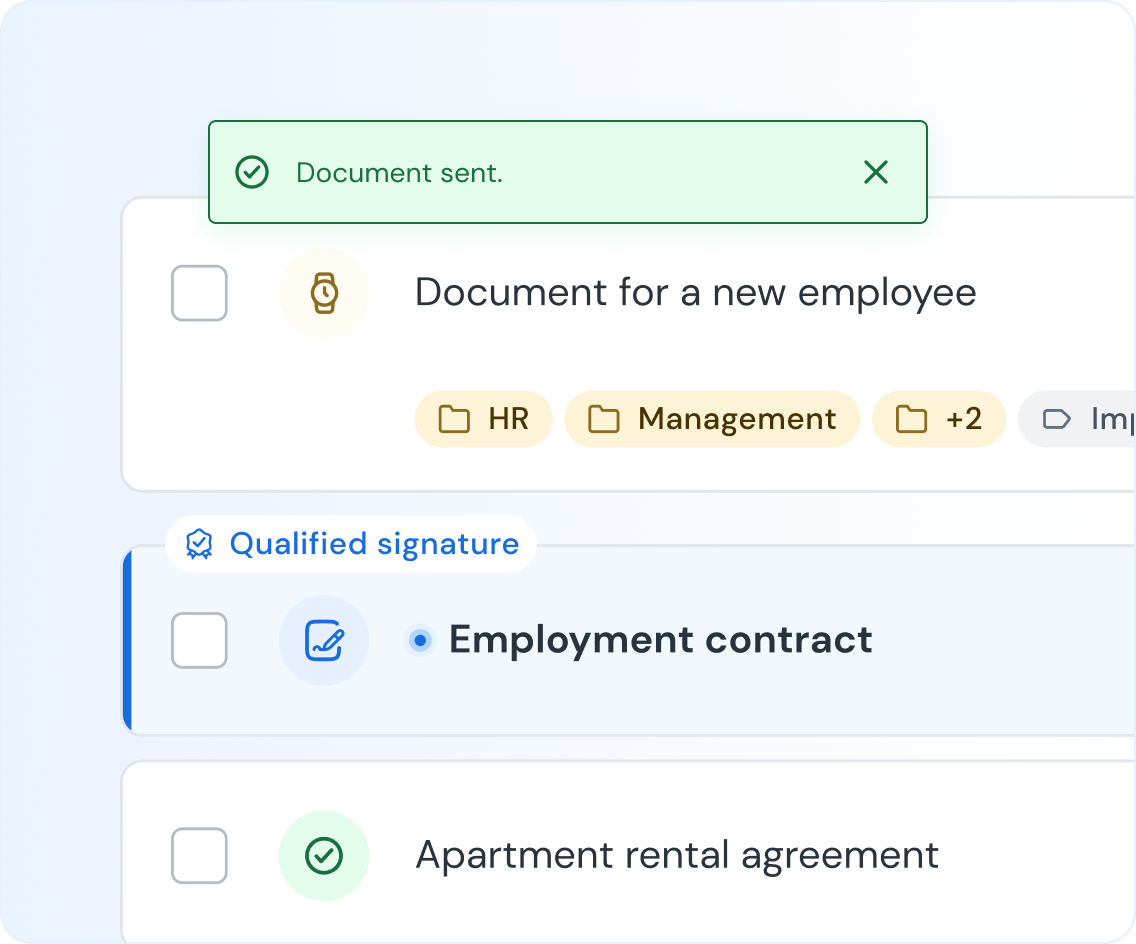
Send documents for signing, but smarter
Add multiple documents, define roles and signature types, set the signing order – and every file reaches the right people without mistakes.
-
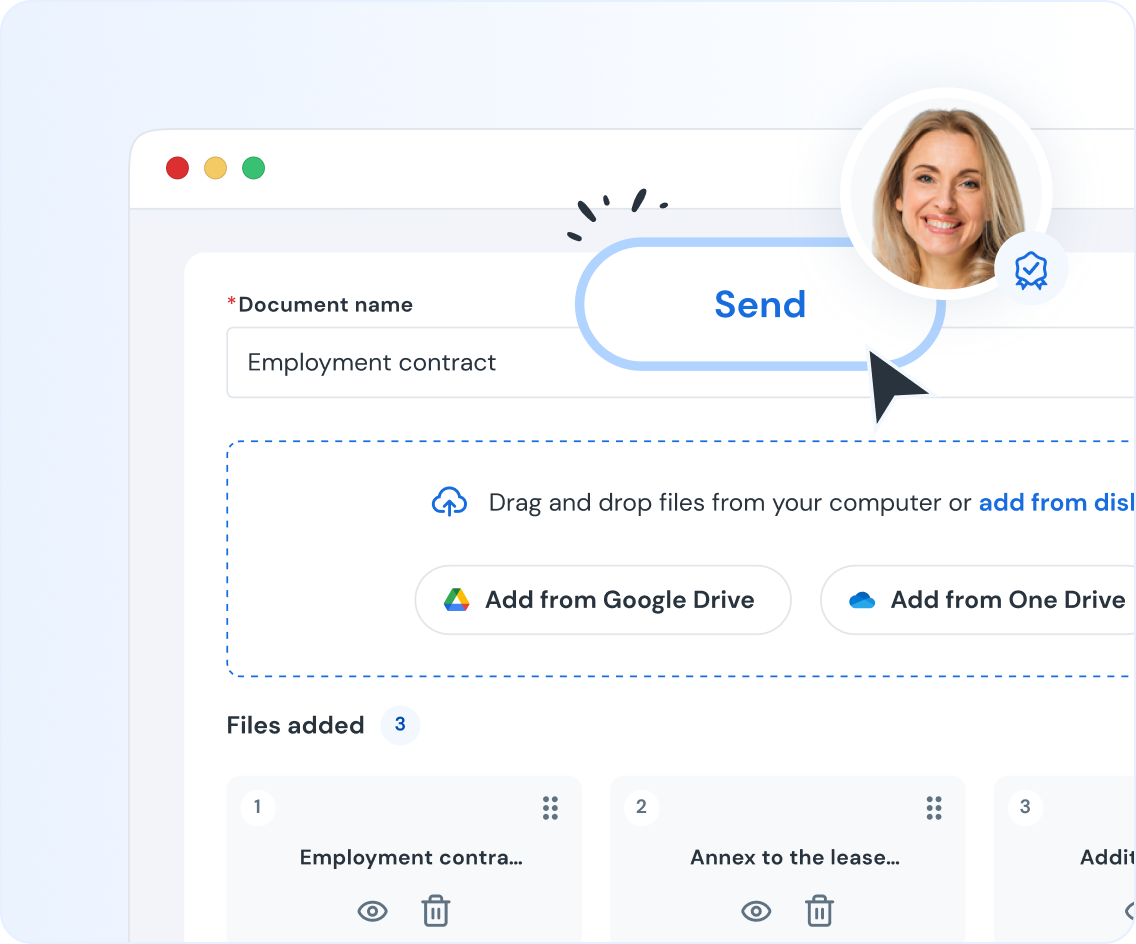
Add document
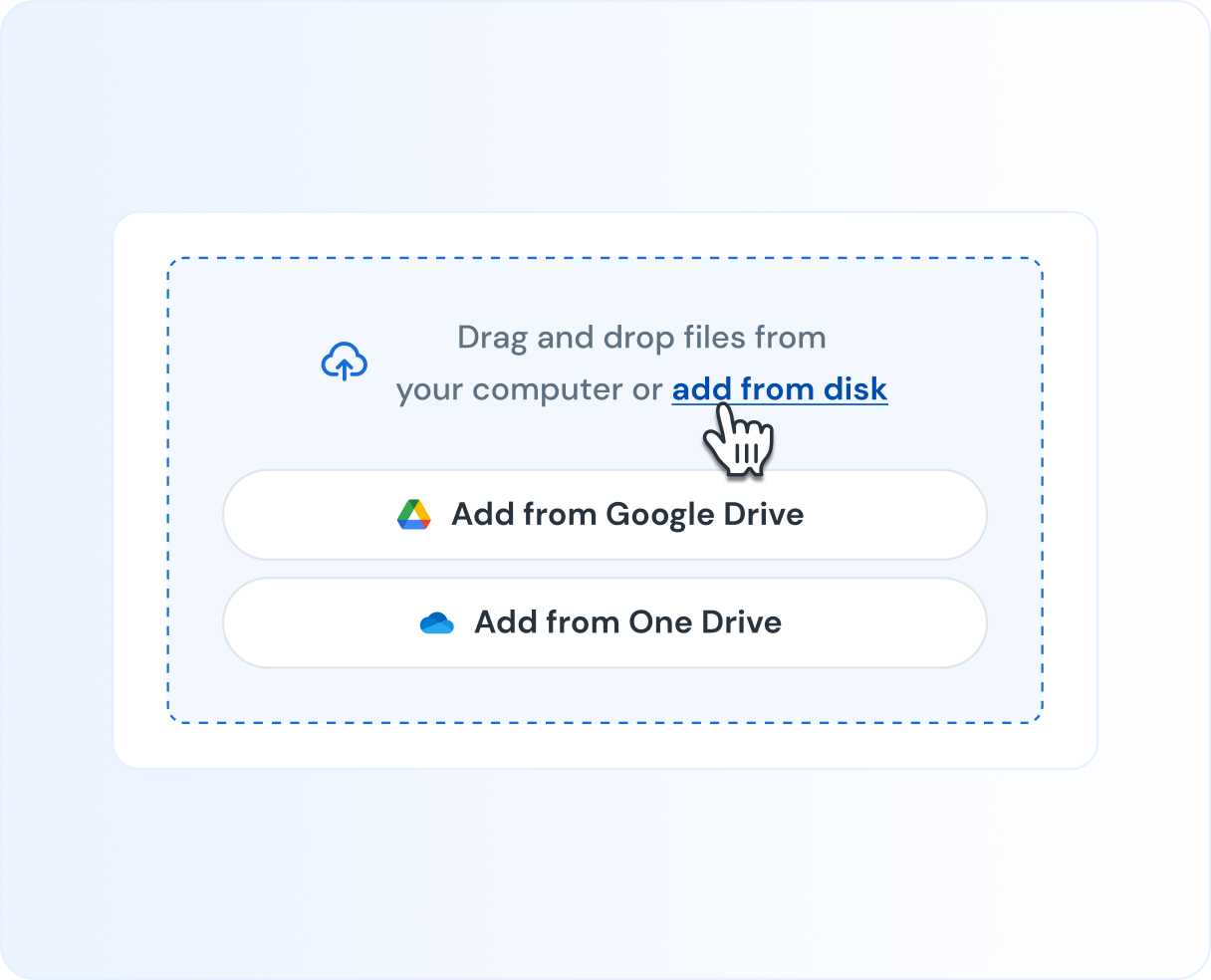
Upload a doc from your computer, or directly from Google Drive or Microsoft OneDrive.
-
-
Add recipients & configure workflow
Add recipients. Set their roles (i.e. Signer, Approver) and the order of placing eSignatures.
-
-
Send
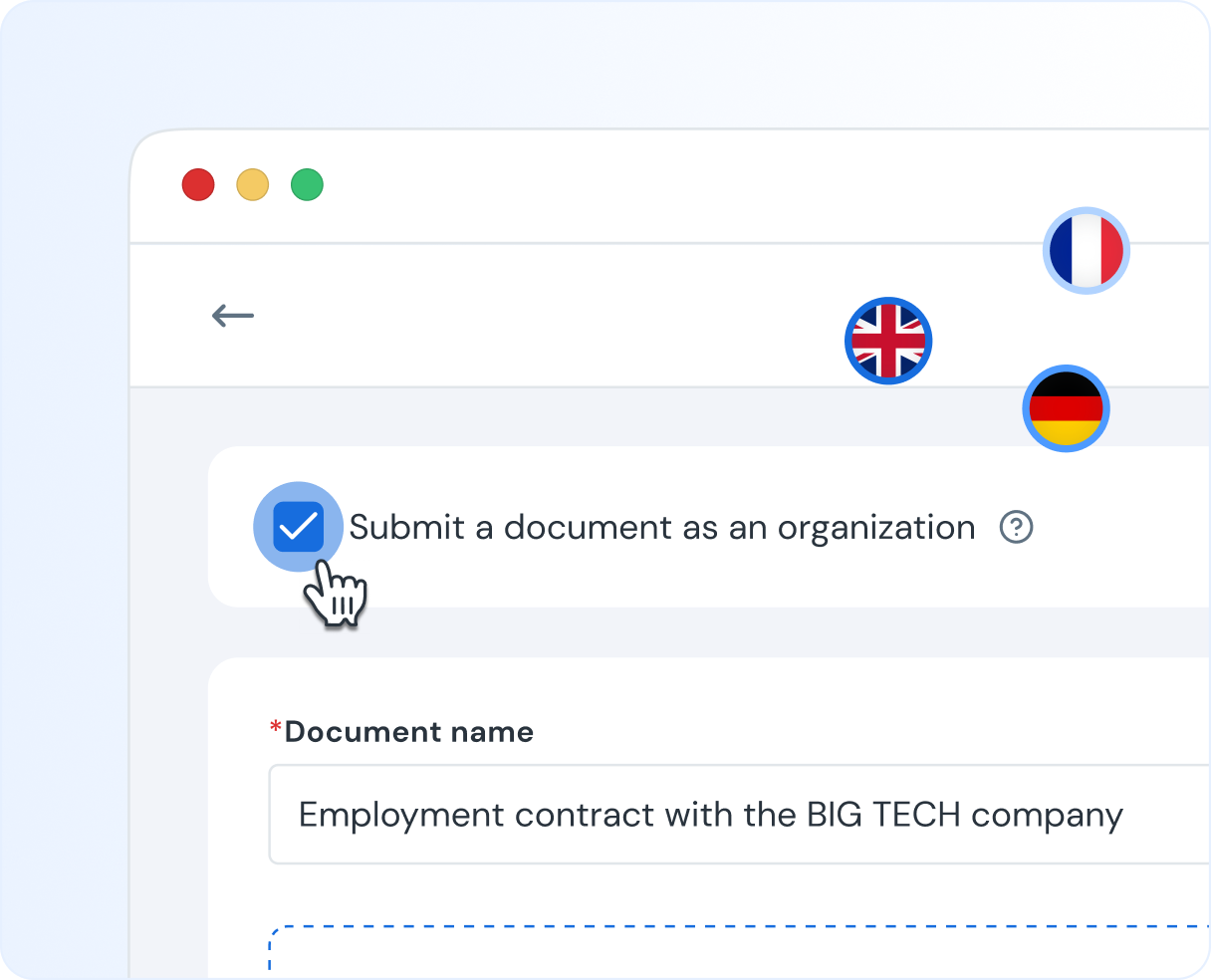
Send the document as you or as an organization. Recipients will receive notifications in the chosen language, and you’ll be able to track the status of the document in real time!
-
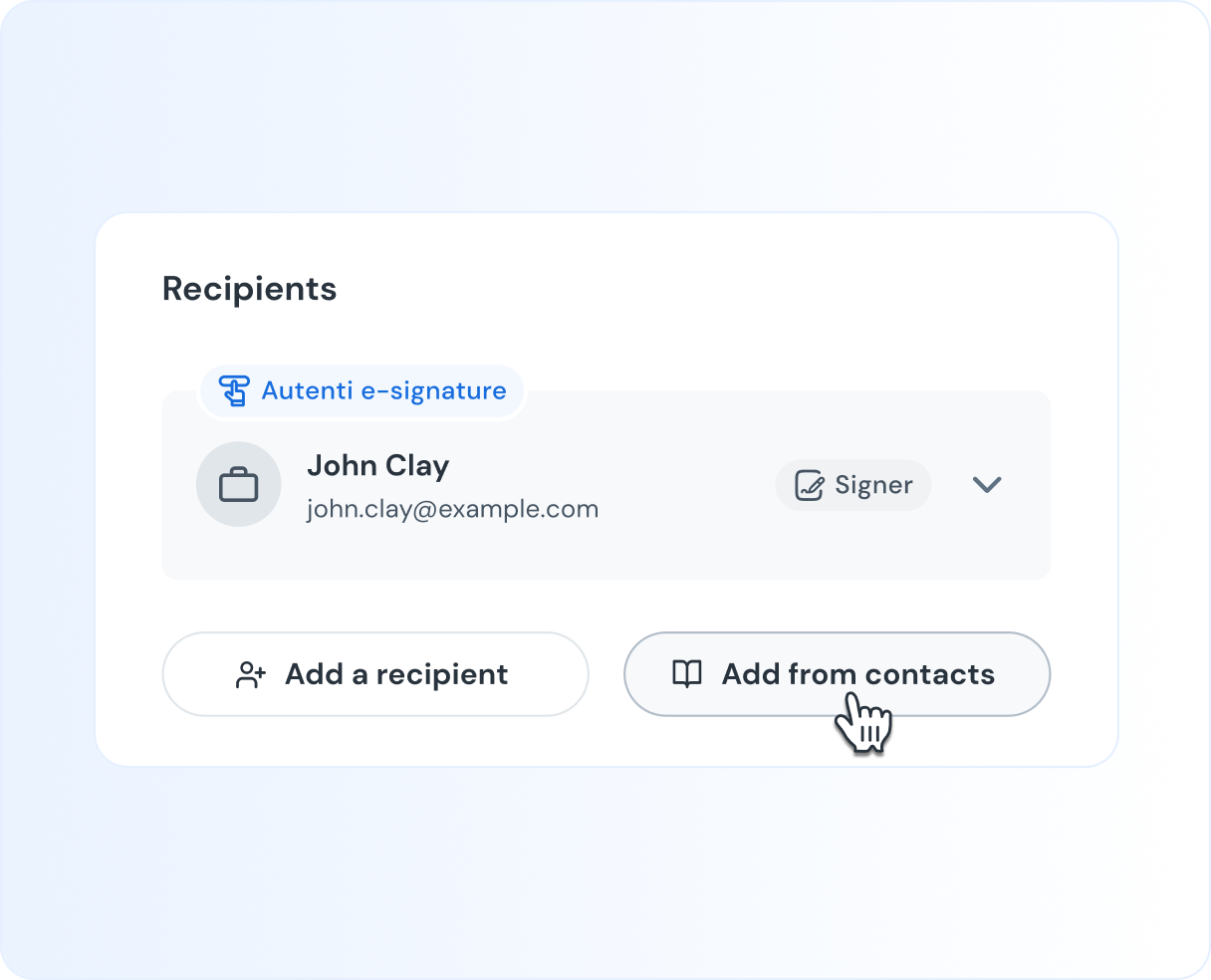
Your signers ready in one click
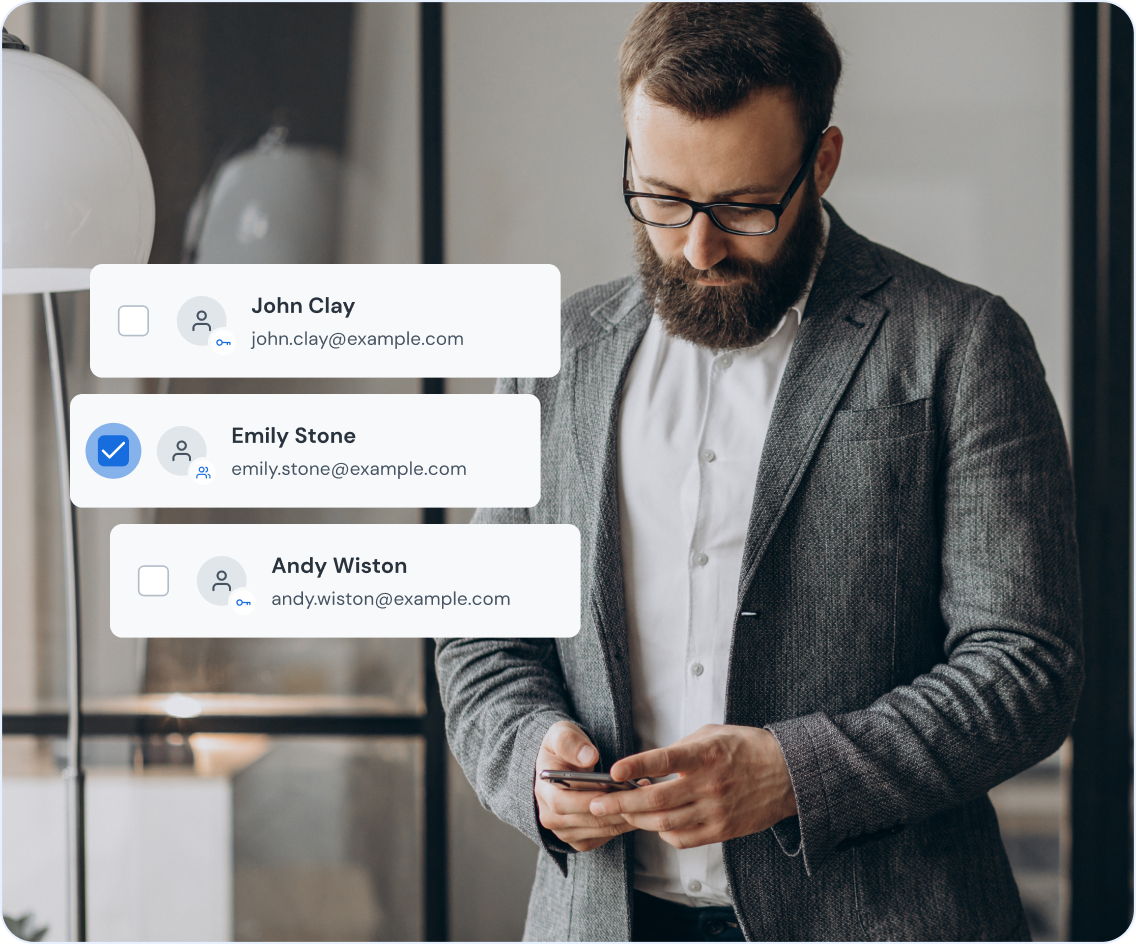
Never hunt for an email address or guess a role again. Save contacts to your address book, pre-set their default signature type and role (like "Signer" or "Reviewer"), and add them to documents in one click.
- Get started in seconds by importing your entire contact list (CSV).
- Keep everyone in sync with a shared address book for your whole team.
- Make bulk edits easily by exporting your list for quick updates.
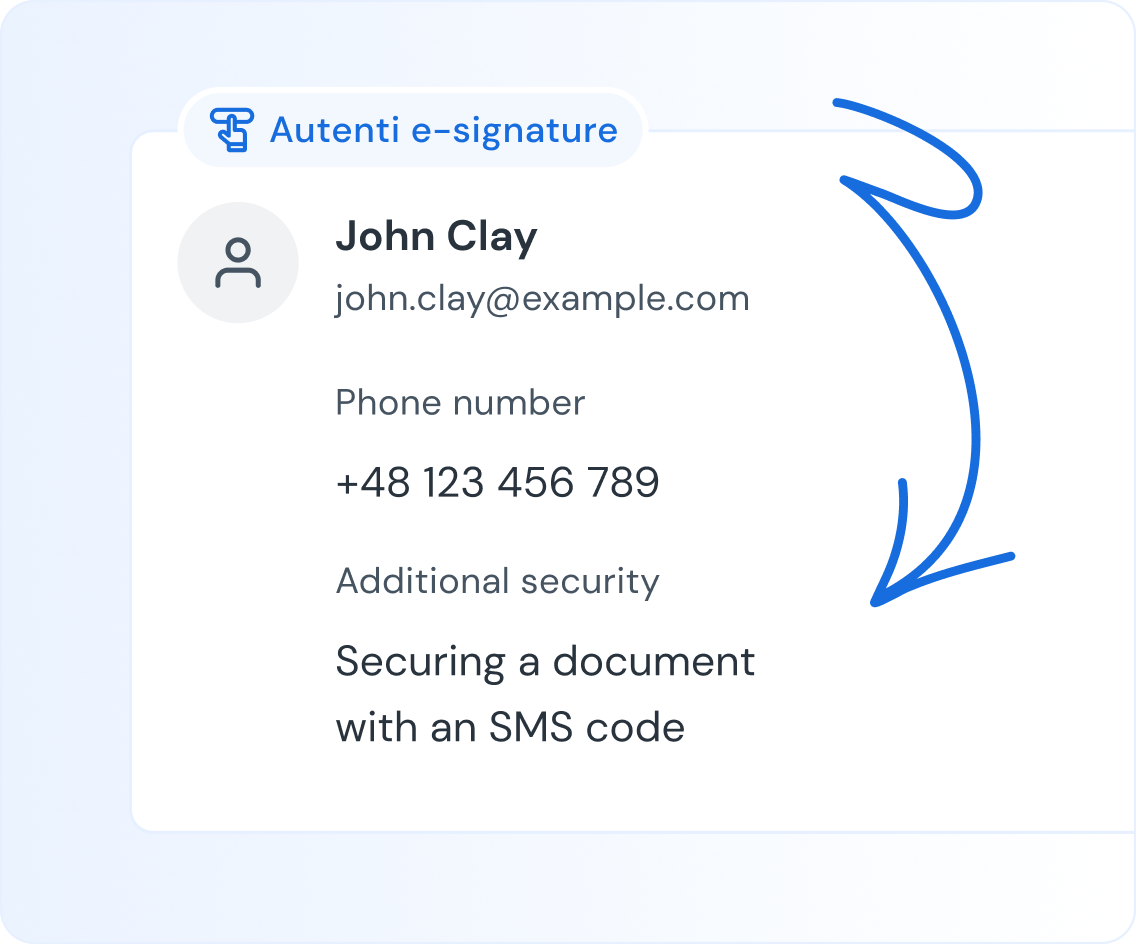
Add SMS verification for total confidence
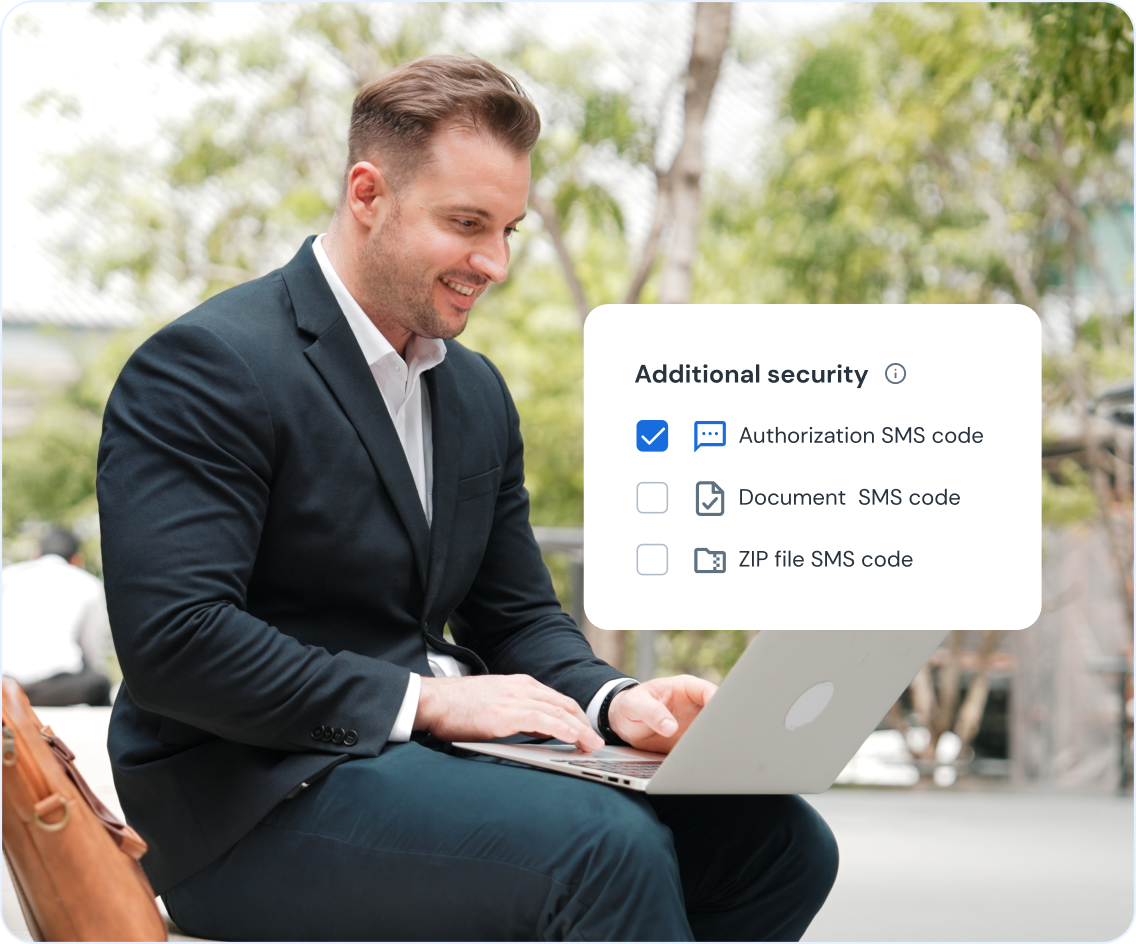
How do you know the right person signed? We make it simple: a unique password, sent via SMS, proves your signer has access to their verified mobile phone, giving you concrete proof of identity.
- Get a strong legal proof by linking the signature to a personal device.
- Prevent unauthorized access to your most sensitive docs.
- Eliminate "I never signed this" disputes with a clear audit trail.
Don't let email attachments break your workflow
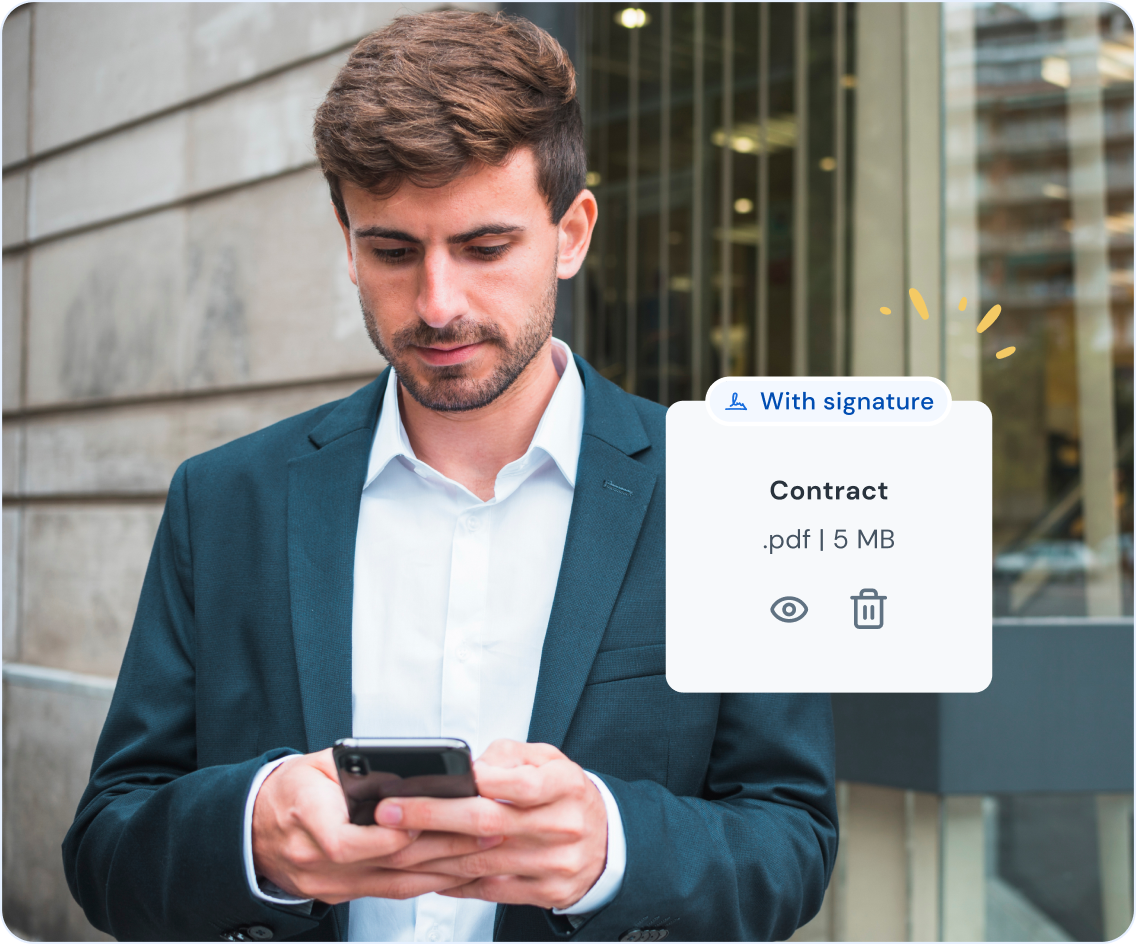
Your partner sent you a signed PDF? Just upload it and keep the momentum going. Autenti lets you add your signature to an already-signed document, giving you a single, final file with a complete, verifiable history.
- Turn a half-signed email attachment into a fully executed, secure contract.
- Maintain a single source of truth for all signers, all in one place.
- Our eSeal locks the document from any changes, ensuring total integrity.
Protect your documents with passwords
Decide how you want to protect your files. You can lock a document so it only opens with a one-time SMS code, or you can send the final signed version as an encrypted ZIP file that requires a separate password.
- Control exactly who accesses your signed agreements.
- Track every access attempt in the document's secure audit log.
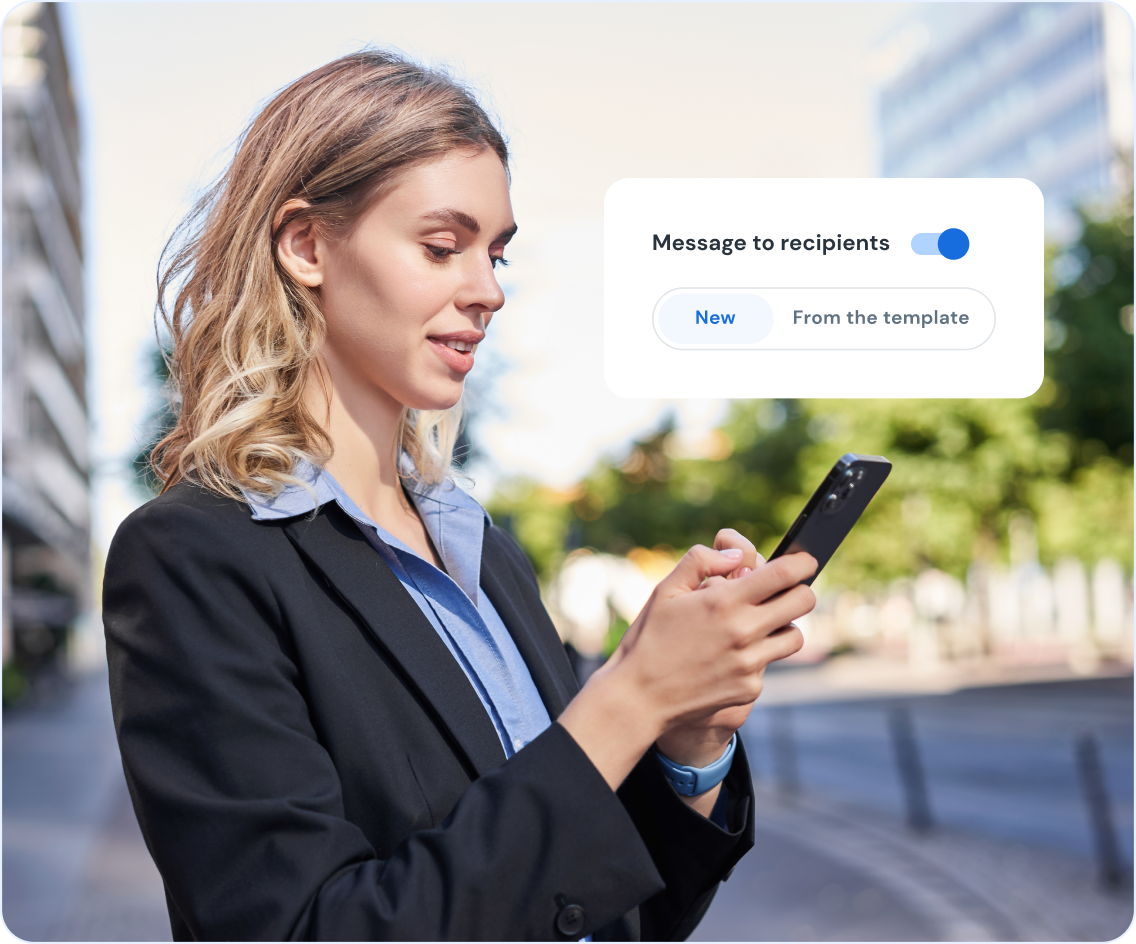
Give your signers clear context
Ensure your recipients know exactly what they're signing and why. You can add a fully formatted custom message or save time by using a template for your recurring requests.
- Write a unique message or select one from your template gallery.
- Use formatting options to make your instructions clear and professional.
Full control over signing process
Autenti eSign puts you in complete command of the entire signing workflow. From dictating the precise order of signatures to managing the document's lifecycle after it's sent.
- Signature order
- Document expiration date
- Document withdrawal
- Changing recipients
- Signature process language
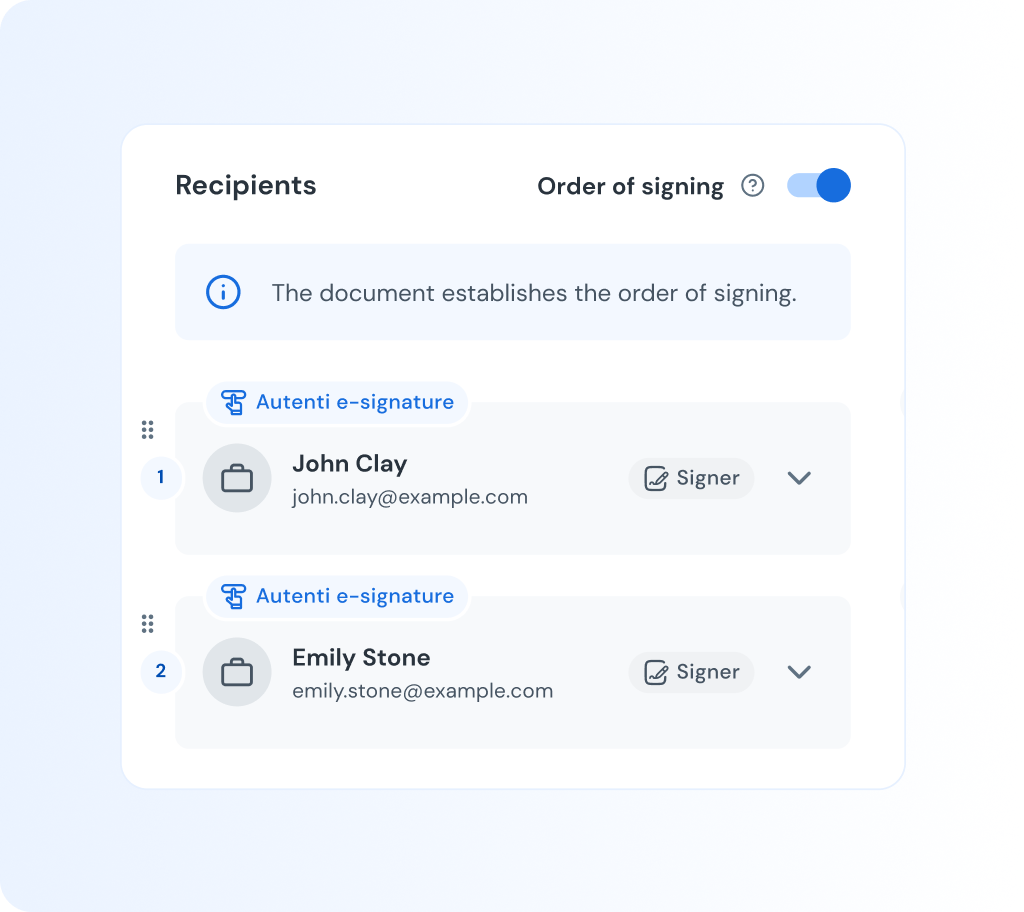
Signature order
Set the order of people who will participate in the signature process. You can start from the legal team as the Approver role, and finish with the board of directors as Signers.
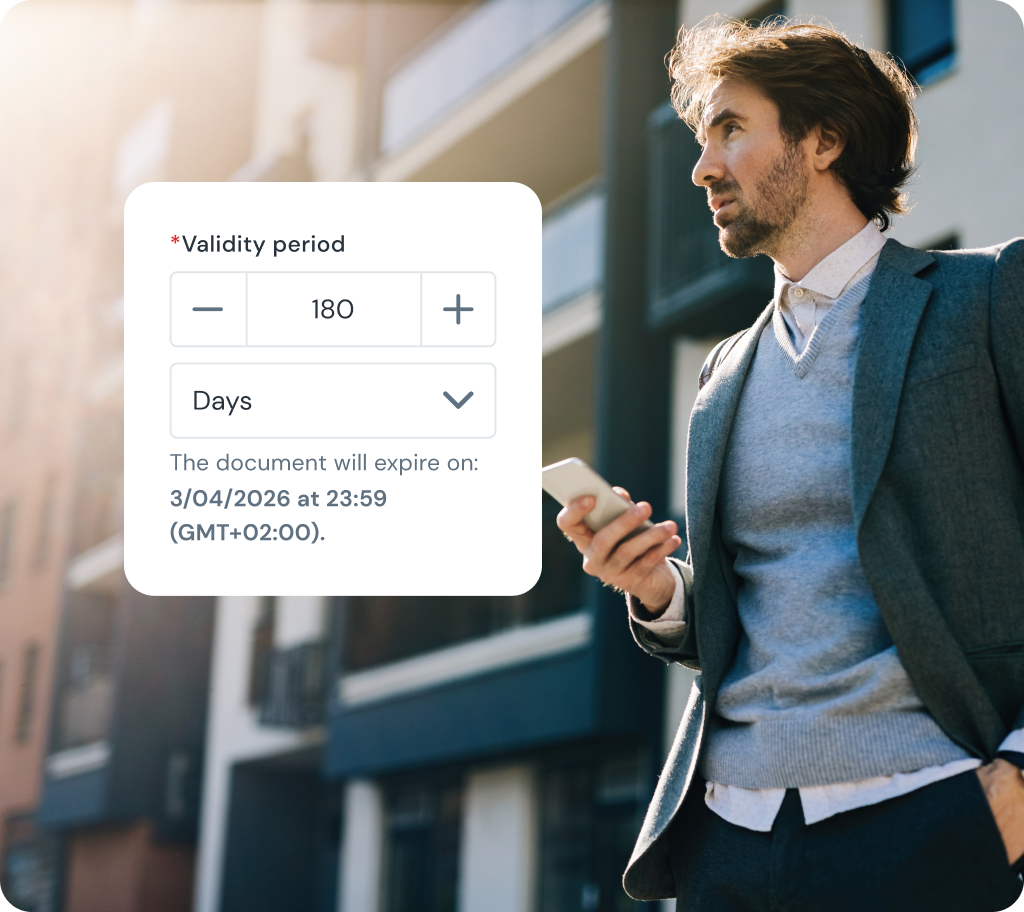
Document expiration date
Your documents can automatically expire if there will be no action taken for a period of time. This prevents unwanted access to out-of-date docs.
Document withdrawal
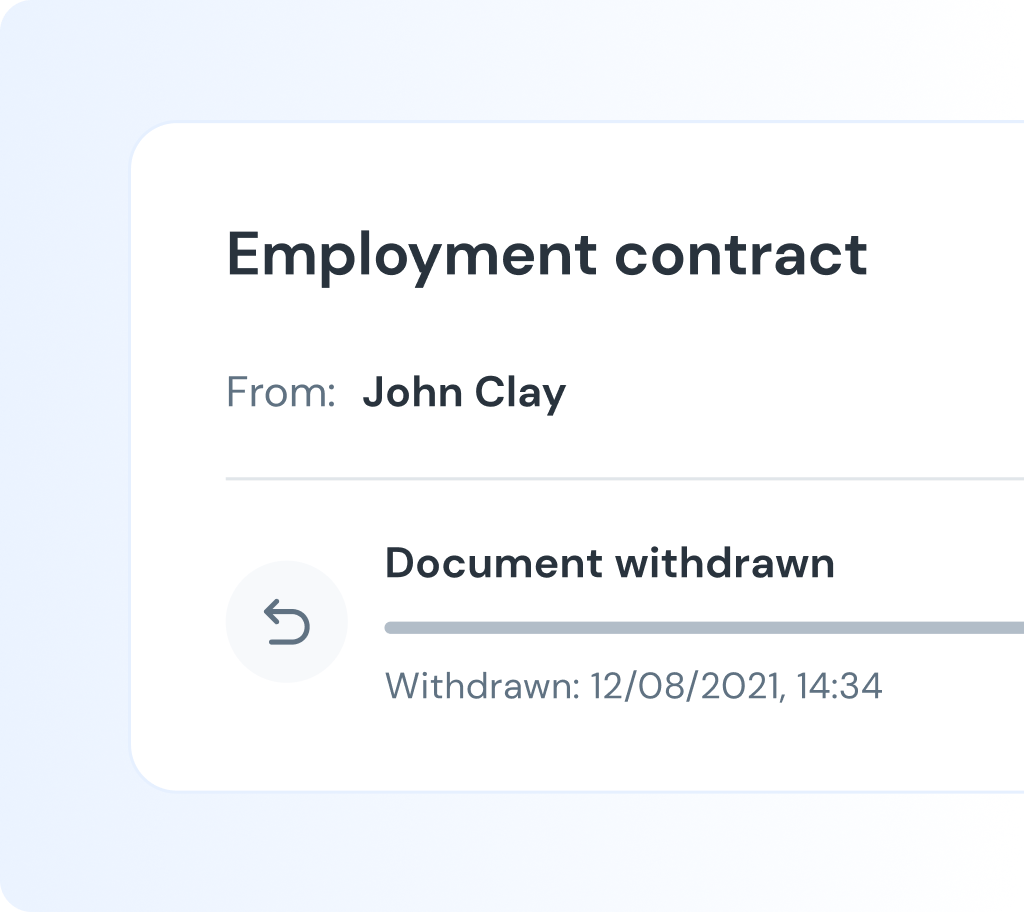
Made a mistake? Sent the wrong document, or did not include one of the signers? You can withdraw the document from the process anytime!
Changing recipients
An important person is OOO or on sick leave? No worries, you can edit the process and replace a recipient.

Signature process language
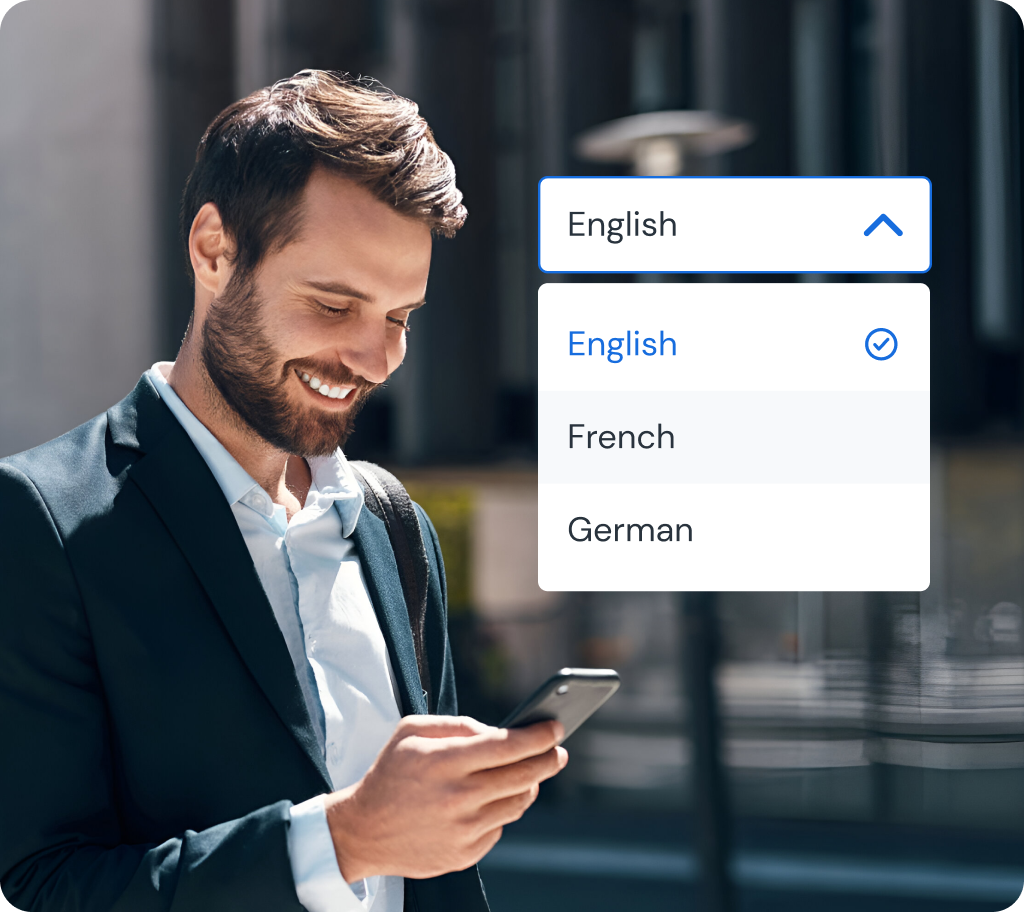
Don't let language become a bottleneck in closing your deals. With support for 24 European languages, you can be sure your recipients will understand every step of the process without any doubt.
Signature roles
There are 4 distinct roles: Signer, Approver, Reviewer and Viewer to let you build your document signature workflow.
Signing
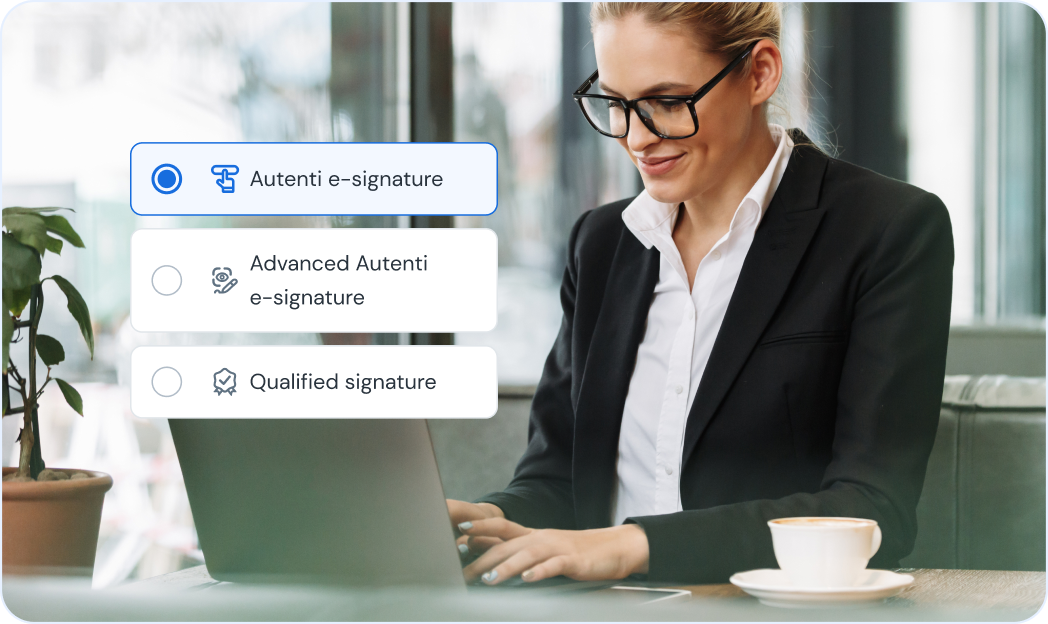
Can sign the documents using one of three eSignature types: SES, AES, QES.
Reviewing
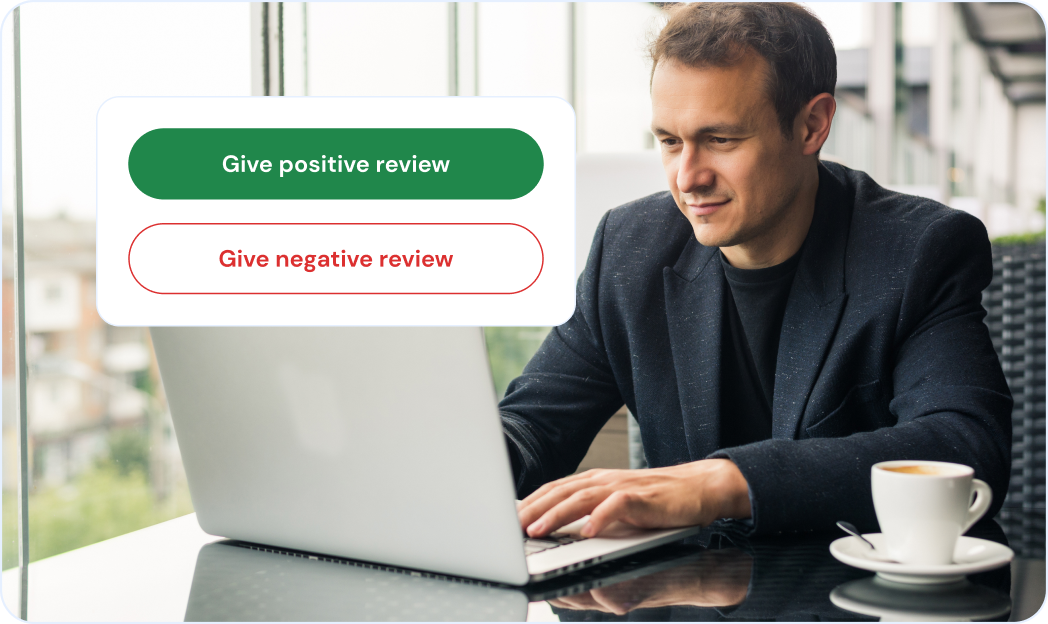
Can review positively or negatively each document. This does not impact the signer’s ability to sign the documents and is purely informational.
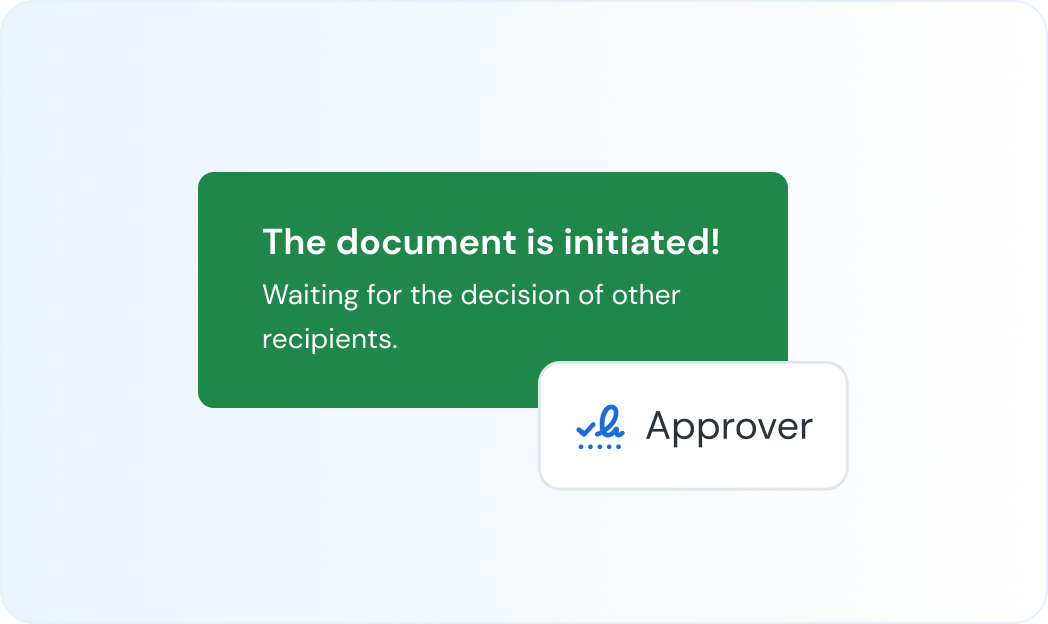
Approving
Can approve or reject an entire document from being signed. Ideal for the legal team.
Viewing
Perfect for adding key stakeholders of the document so they can track status of the file reducing back-and-forth communication and status updates.


Connect with all of the tools you already use
Autenti integrates seamlessly with key tools like Salesforce, Webcon, Peopleforce and much more letting you pull in accurate customer data directly into your documents. Connect your business systems and streamline every step of your document workflow.
Start sending documents with Autenti and forget about chaos and delays